
Digital Evidence Vault
Chain of custody from capture.
A capture app for investigators, adjusters, inspectors and anyone whose evidence may be examined later. It records what you captured and when, keeps a custody log of what happens to it next, and lets you show that the file still produces the hash recorded at capture.
Every exhibit is hashed at capture, receipt or import with SHA-256, plus SHA-1 and MD5. Recompute SHA-256 at any time: DEV re-reads the file and tells you whether it still produces the recorded hash.
Every case keeps a hash-linked custody log of capture, viewing, export, deletion and checks. Verify chain checks that the entries still link together. Hashing makes a later change detectable; it does not prevent one.
On by default and can be switched off. DEV requests an RFC 3161 signed timestamp from a public time-stamping authority and an OpenTimestamps calendar receipt (.ots). Requests send a hash, never the file. An exhibit with a signed timestamp is marked Sealed.
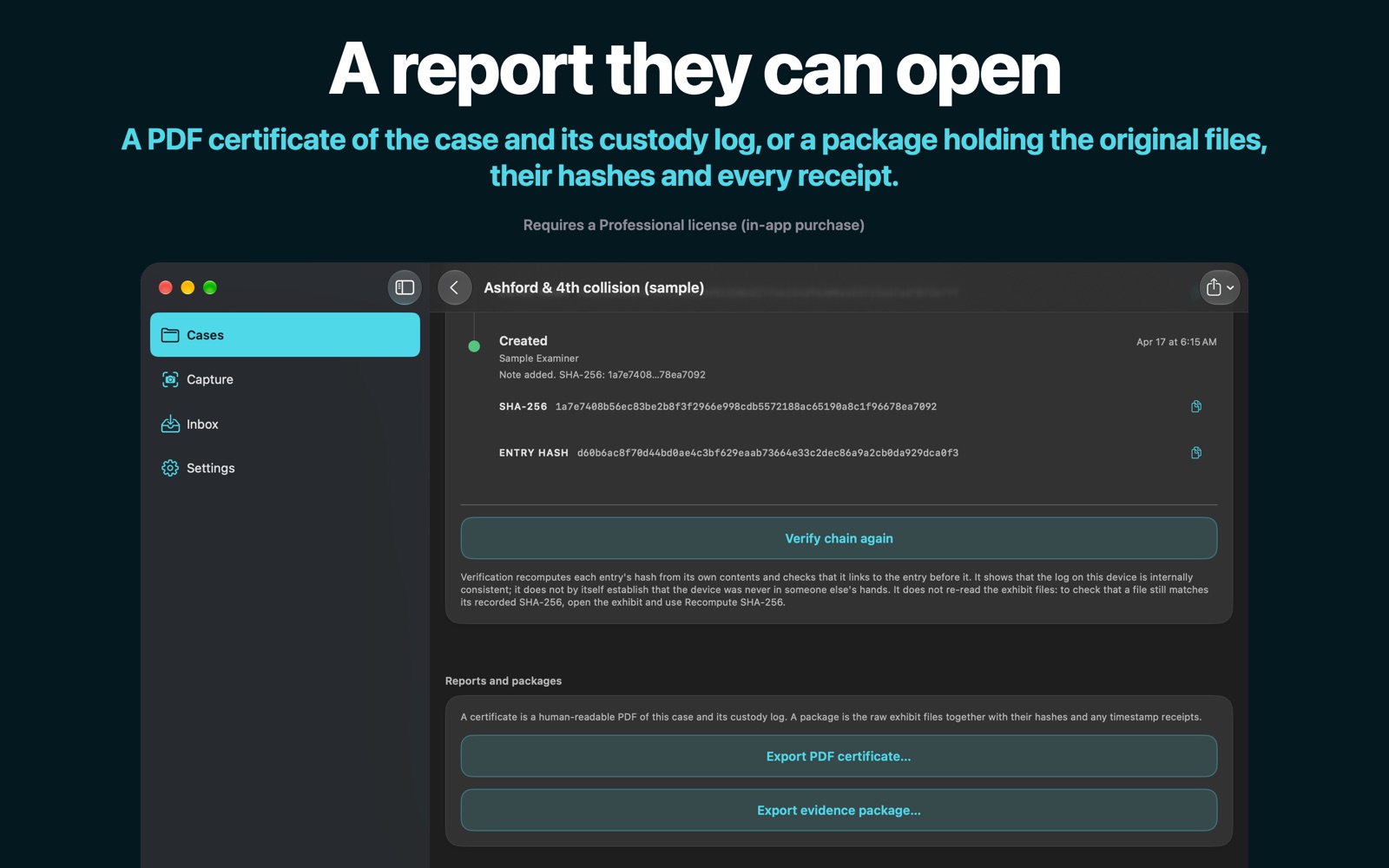
An evidence package (a ZIP with the files, manifests, timestamp receipts, custody log and a master digest) or a PDF certificate, both stating the moment their contents were taken. A recipient with DEV Professional can import a package and check it.
Keep an audio log of the scene as you work, saved in 60-second fragments as it records (iPhone and iPad). Audio recorded on Apple Watch arrives in your iPhone’s Inbox.
If the app ends mid-recording, DEV recovers the recording into the Inbox with a note about what happened. If iCloud Drive cannot be reached, DEV says so, saves new evidence on the device and holds exports until it can read them.
No account, no analytics, no ads and no crash reporting, and nothing is sent to ProfWorkBench; we cannot access your evidence. DEV makes these network requests itself. Trusted time is on by default: for each photo, video, audio recording or note captured in DEV, and each file imported in DEV, DEV sends the exhibit’s SHA-256 digest, never the file, to the RFC 3161 time-stamping authority at freetsa.org, and a 32-byte digest to the OpenTimestamps calendars a.pool.opentimestamps.org, b.pool.opentimestamps.org and a.pool.eternitywall.com. Apple Watch recordings, files shared into DEV from other apps and evidence packages imported from another examiner are hashed and logged, but DEV requests no timestamps for them. At each capture on iPhone, iPad or Mac, DEV also asks time.apple.com for the time, on by default. Network transcription is off by default; if you allow it, Apple’s speech service may receive the audio of a recording, which, apart from iCloud storage and your device’s own backups, is the one path that sends the evidence itself rather than a digest.
The Zero Telemetry switch turns off timestamping, the time check and network transcription, and DEV’s Siri, Shortcuts and Control Center capture actions. It does not change iCloud storage, which has its own switch, and it does not stop App Store traffic: Apple’s StoreKit handles purchases. iCloud Drive storage is off until you turn it on, and then your cases are stored in your own iCloud account. Apple encrypts this data in transit and on its servers; DEV adds no encryption of its own. Like any internet request, these services see your device’s network address. Each exhibit also records facts about the device that made it (its model, its system name and version, the app’s version and the app’s identifier for that device) and, with your permission, for a capture on iPhone, iPad or Mac, the device’s coordinates, their accuracy and the time of the fix. These stay with the exhibit and leave your device only in the reports, watermarked copies and evidence packages you export, in your iCloud account if iCloud storage is on, and in your device’s own backups.
One purchase covers iPhone, iPad, Mac and Apple Watch. Subscriptions renew until canceled; the Genesis Partner License is one-time. Free to download: explore a read-only sample case. Capturing, filing and exporting need a Professional license.
US prices; other App Store regions vary. Educational, military, and first-responder discounts apply; see Academic & Service Discounts.