
MetaLume
See what a photo reveals about you.
The friendly photo metadata scrubber for Mac. Open a JPG, PNG, HEIC or TIFF to see every tag with a plain-language explanation. A one-time unlock saves a copy without its identifying, locational and temporal tags.
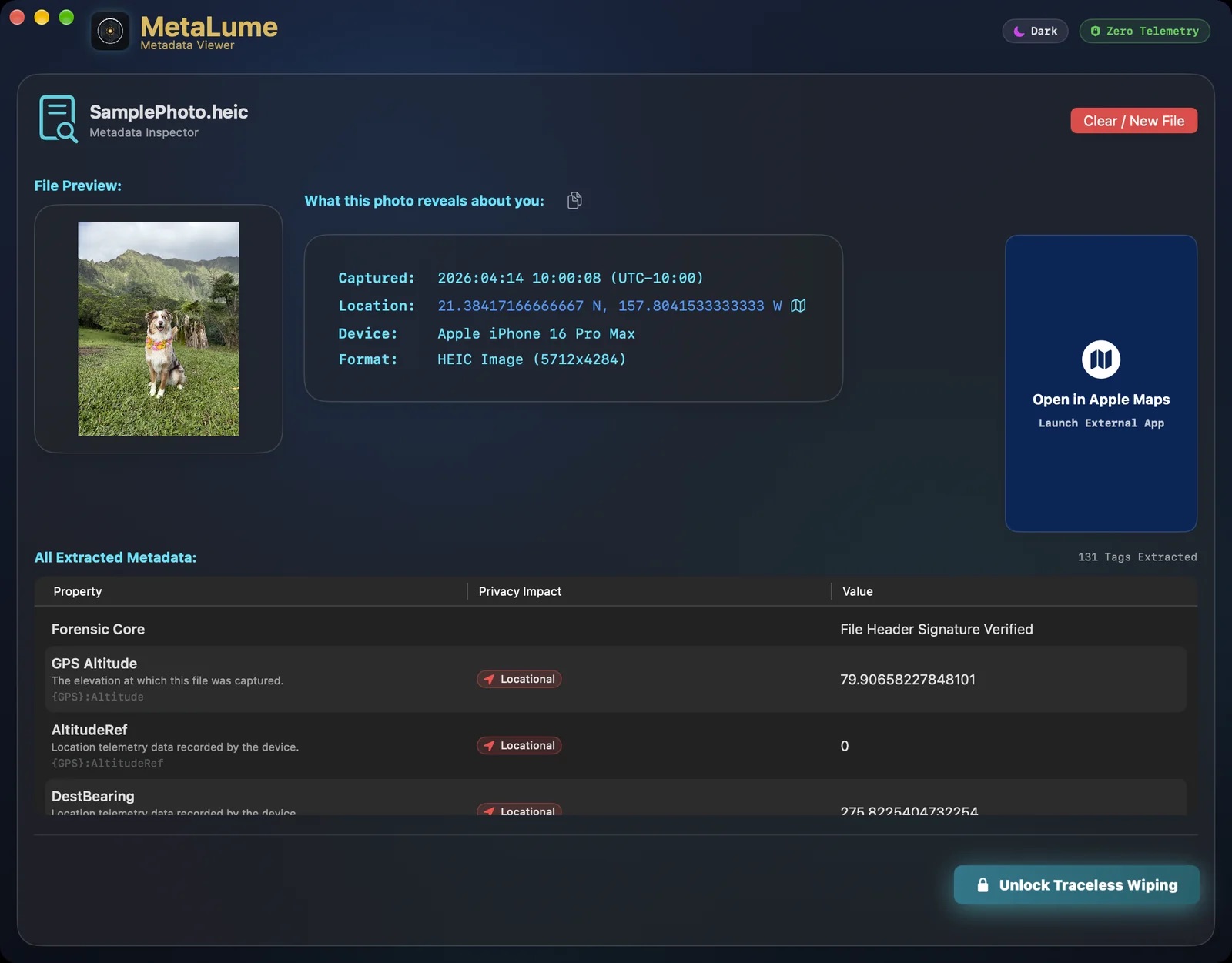
Shows every tag Apple’s ImageIO reads, each with a plain-language explanation and a privacy-impact rating: Locational, Temporal, Identifying or Technical.
A summary card shows the capture time, location, device and format, and one button copies it. The location opens in Apple Maps, centred on the coordinates, with no pin.
A header check flags an image whose bytes do not match its extension, such as a PNG saved as .jpg.
Reads JPG, PNG, HEIC and TIFF, one file at a time. PDFs, video and batch processing are in MetaWrite.
The one-time unlock saves a copy with the identifying, locational and temporal tags removed, and the original is not changed. PNG and TIFF copies keep every pixel; JPEG and HEIC copies are re-encoded, and a HEIC loses its HDR gain map.
After an export, MetaLume shows the SHA-256 of the clean copy. The copy’s file date is set to noon UTC on the capture day, so the day is kept but the time of day and time zone are not.
MetaLume has no accounts, analytics or crash reporting, and your photos never upload. Zero Telemetry here is a standard with no switch: the only network traffic is Apple’s StoreKit connection to the App Store, which fetches the unlock’s details and checks your purchase when the app starts and again when you buy, restore or redeem it. A location link launches Apple Maps, a separate app, and only when you click it. MetaLume runs in the macOS App Sandbox.
Inspecting is free and has no limit, trial or counter. The one-time $1.99 unlock enables saving a clean copy. Prices are US prices. MetaLume needs macOS 26 or later.
Educational, military, and first-responder discounts apply; see Academic & Service Discounts.